
Resources / Media kit
NucFinder brand assets
Official logos, colour specifications, and brand guidance for press, partners, events, and approved NucFinder communications.
NucFinder Brand Book
Logo library
Choose the right mark for the background
Every approved version is available as source PDF and production-ready SVG.





Brand colours
The official NucFinder palette
Use these exact values for digital, print, and partner materials.
Neon Orange
- HEX
- #F04923
- RGB
- 240 73 35
- CMYK
- 0 87 100 0
- Pantone
- 172 C
Rust Orange
- HEX
- #C63C1B
- RGB
- 198 60 27
- CMYK
- 0 87 100 20
- Pantone
- 173 C
Amber
- HEX
- #952909
- RGB
- 149 41 9
- CMYK
- 0 87 100 45
- Pantone
- 484 C
Dark Blue
- HEX
- #081738
- RGB
- 8 23 56
- CMYK
- 100 90 45 57
- Pantone
- 282 C
Black
- HEX
- #000000
- RGB
- 0 0 0
- CMYK
- 0 0 0 100
- Pantone
- Black
White
- HEX
- #FFFFFF
- RGB
- 255 255 255
- CMYK
- 0 0 0 0
- Pantone
- White
Typography
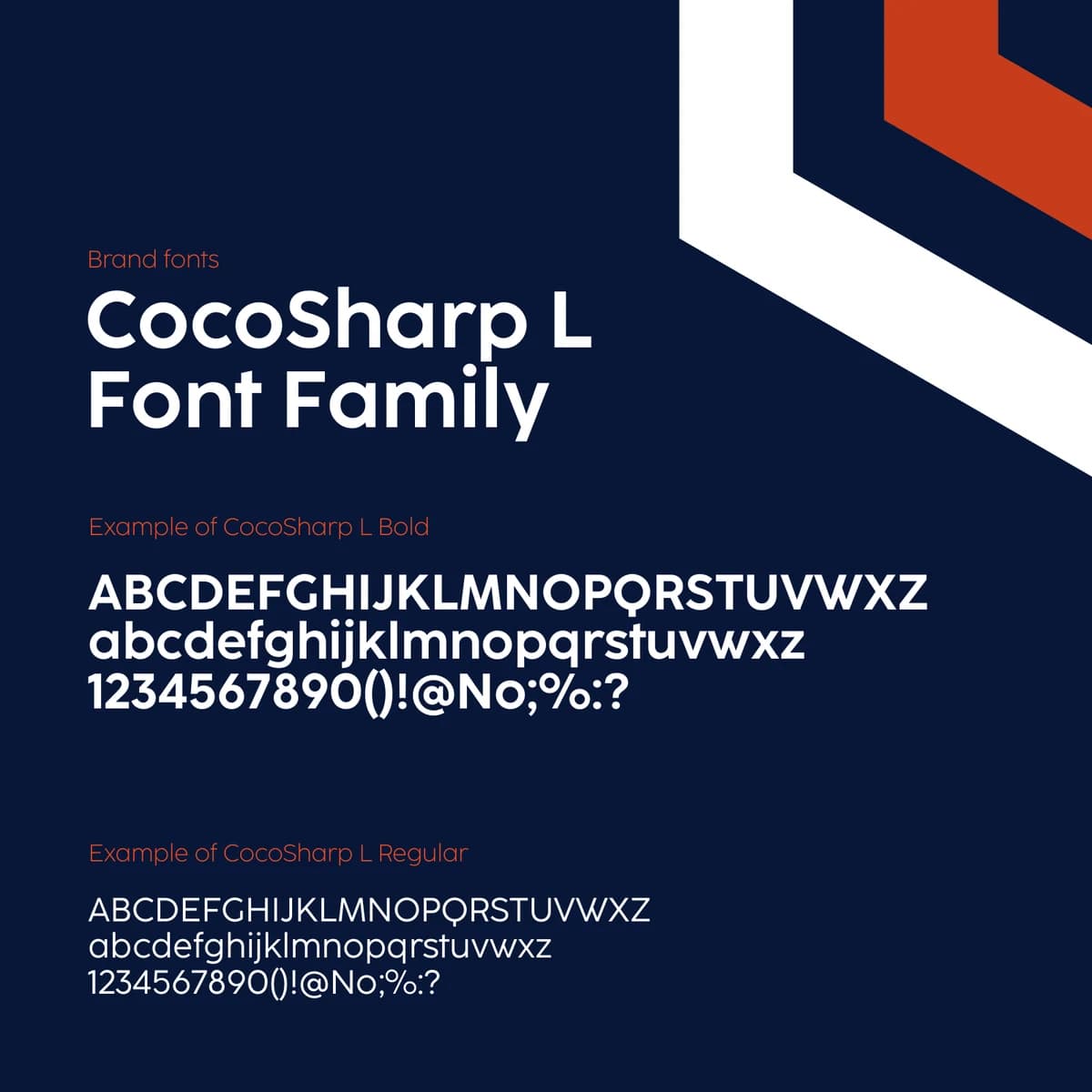
CocoSharp L
The brand system uses CocoSharp L Regular and CocoSharp L Bold. Font files are not redistributed in this kit; confirm licensing before use.

Graphic language
Hexagonal brand pattern
The pattern extends the geometry of the NucFinder mark across presentations, event material, and campaign surfaces.
Usage essentials
Keep the identity consistent
Use full-colour, two-colour, or black artwork on light backgrounds.
Use inverted or white artwork on dark backgrounds and photography.
Keep the original proportions and leave clear space around the mark.
Do not recolour, stretch, rotate, outline, or add effects to the logo.